Web Security


Google Fixes 11 Flaws in Chrome

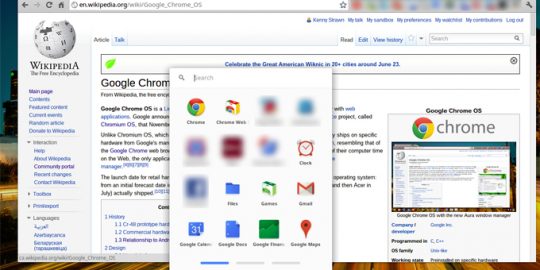
Google Chrome 26, the latest version of the company’s browser, is out and it contains a number of security patches, most notably a fix for a high-priority use-after-free vulnerability in the Web Audio component of the browser.

XSS Flaw in WordPress Plugin Allows Injection of Malicious Code

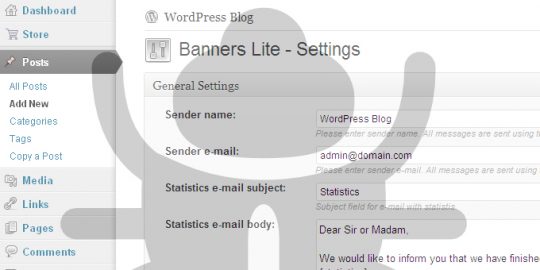
Hardly a week goes by without some new vulnerability in WordPress or one of its components showing up on a mailing list or in a security advisory. This week’s first entrant is a newly disclosed flaw in a plugin that displays ad banners on WordPress sites, a bug that enables an attacker to inject malicious Javascript or HTML code on any vulnerable site.


The developers of Ruby on Rails, the popular web app framework, released four new versions of the product yesterday, complete with fixes for a series of vulnerabilities that could have lead to denial of service attacks and XSS injections.Four vulnerabilities in total are addressed in versions 3.2.13, 3.1.12 and 2.3.18 of Rails, according to a post to the company’s blog on Monday. “All versions are impacted by one or more of these security issues,” according to the post.

Depending upon your perspective, the third iteration of Google Pwnium at this year’s CanSecWest conference was either a mild failure or a huge success. No researchers were able to come up with a full compromise of the Chrome OS, the target in this year’s contest, but Google said this week that it did receive a partial qualifying entry from one researcher and awarded him $40,000 for his efforts.

The Web browser is the primary portal through which the vast majority of connected users access and interact with the Internet. Each browser has its own security and privacy settings and those settings have an enormous impact on the nature of the relationship between users’ data and the services they encounter online. Google’s Chrome browser has extensive, easy to navigate privacy settings that let users manage everything from digital certificates to location tracking to “Do Not Track” requests. In the latest installment of Threatpost’s occasional how-to video series, we look into the ways we can manage Google Chrome privacy settings and security while navigating the web in the Chrome browser.